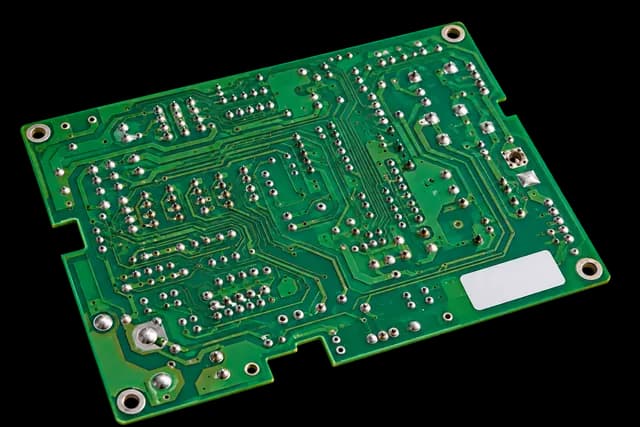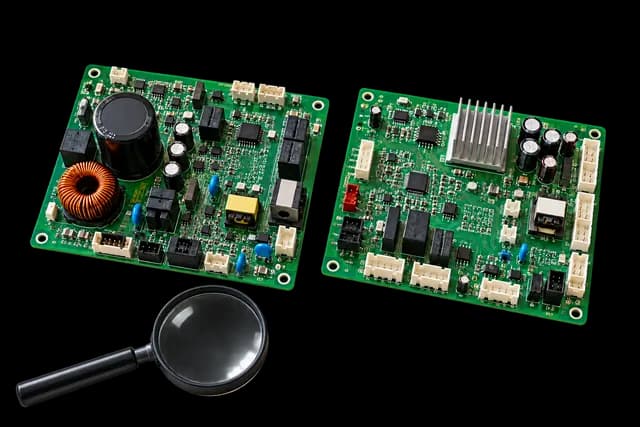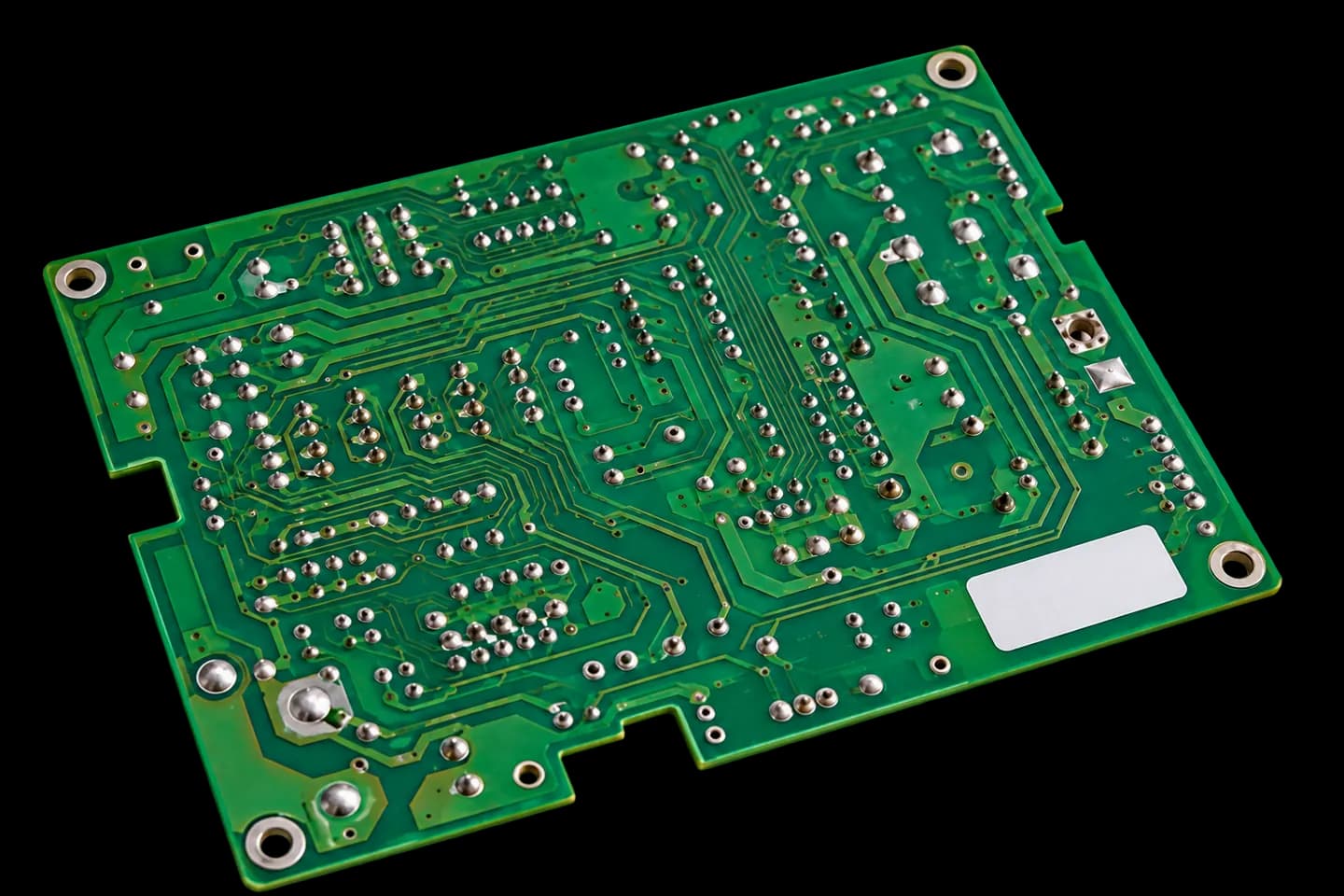
If you found MCC-867-04 on a board or while searching for a Toshiba replacement, keep the complete code as your starting point. This guide does not provide a list of compatible models: it explains what to gather to compare the part in your equipment with a unit offered in the catalogue.
Check where the code came from
Photograph the location of MCC-867-04 and any accompanying labels. Explain whether you read it on the original board, in equipment documentation or in a product listing. This distinction helps avoid assigning an online reference to equipment without evidence.
Keep any other readable labels as well. A code printed on the circuit board and a spare part number may provide different information. If characters are unclear, send the image instead of guessing the missing text.
Include the complete Toshiba model
Gather the model and serial number of the affected unit, and state whether it is indoors or outdoors. Toshiba provides spare part searching by model and part number, so both sets of information are useful in an enquiry. Do not shorten the model to the equipment's marketing family name.
- Equipment label showing the complete model.
- Overall view of the original board.
- Close-up of MCC-867-04 and any other available references.
Compare the available unit's listing
Search the exact reference in the Toshiba category and review the published photographs, condition and availability. If you find a different ending or a visually similar board, enquire before buying. This page does not establish equivalence between revisions or guarantee that similarly named boards will suit your equipment.
Resolve compatibility before installation
Send the product link with the details gathered and ask about the specific differences. Keep the reply with your order. The professional responsible for the equipment needs the appropriate replacement documentation; a search result match does not replace that check or a diagnosis of the fault.
Is your board faulty, or are you unable to find a replacement? Share its reference and the symptoms so we can assess a possible repair.
Ask about repairing this boardThis guide supports identification and purchasing decisions. Board diagnosis, removal and installation should be carried out by qualified professionals following the equipment documentation.